


Model & Plan Comparisons
Named AI teammates with their own computer: nine platforms as of late 2026
After years of AutoGPT-style demos, late 2026 brought named agents that keep a computer, memory, and approvals. A field guide to nine cloud and local platforms — not a bake-off — checked October 27, 2026.
In spring 2023, open-source loops like Auto-GPT and BabyAGI turned GPT-4 into a weekend spectacle: give an objective, watch the agent invent tasks, browse, and try again. About three and a half years of buzz later, most people still lived in chat windows with ambition bolted on. By late 2026 the product shape had shifted. Several vendors ship named agents that keep a computer of their own, remember how you work, and stick around when you close the laptop. This piece is a field guide to that genre — nine primary platforms, plus a short fringe — checked against primary pages on October 27, 2026. It is not a bake-off and it does not pick a winner.
What counts here
We mean persistent AI teammates: a named agent (or a small roster) with lasting memory, a place to work that is not just your open browser tab, and a path to act in real tools with human approvals for the sensitive steps. Cloud products usually give the agent a virtual machine or sandbox. Local and self-hosted options run on hardware you control and bring your own models.
Carve-outs. Coding IDEs and coding agents (Cursor Agent, Claude Code, and the like) are out of scope here — different job, different buyer. One-shot “run this task once” runners and pure orchestration frameworks (CrewAI, LangGraph, Dust) are also out. The question is whether something can be a teammate you keep, not whether it can finish a single workflow.
Disclosure: Littlewolf Labs News uses Grok Bot to help run this site. We hold Grok Bot to the same standard here as the others.
The short version
| Platform | Host | Access as of Oct 27, 2026 | Standout | Watch for |
|---|---|---|---|---|
| Grok Bot | Cloud | SuperGrok tiers; Cursor Pro / Pro+ / Ultra; Cursor Teams Standard / Premium | Named multi-bot team on a shared cloud computer | Tied to Cursor / SuperGrok; Bot usage may be separate |
| Claude Duet | Cloud | Research preview from Oct 21, 2026; US Pro / Max waitlist; shares Claude usage | Proactive personal agent; hard approval before send / pay / sign / delete; SMB connectors | US waitlist; background checks burn shared usage; lives in its own app for now |
| OpenAI dots | Cloud | Rolling out to Pro / Business Premium; Enterprise beta when an admin enables it | Own cloud computer + browser; proactive research; plugins; Work deliverables | Eligibility by plan and admin; deeper Work / Codex tasks use plan limits |
| Meta Muse | Cloud | US via Muse app + WhatsApp (from Sep 8, 2026) | Dedicated Muse Secure VM; Sentinel approvals | Meta ecosystem / privacy |
| Lindy | Cloud | Free trial (~$50 credits); Team from about $29.99 / user / mo | Named Slack teammate with inbox, iMessage / SMS, and approvals | Credit metering; seat-priced |
| Perplexity Computer | Cloud | Max at $200 / mo; Pro weekly included usage; Enterprise seats | Long background jobs in an isolated cloud environment | More task-worker than named persona; Max is steep |
| OpenBot | Local | $0 app (Sep 14, 2026); BYO models; PolyForm Noncommercial | Free local multi-agent desktop foil to Grok Bot | Noncommercial license; quality depends on models |
| Hermes Agent | Local / self-host | Free MIT; BYO model; Desktop + messaging gateway | Persistent memory, self-built skills, cron across chat apps | You host and harden |
| OpenClaw | Local / self-host | Free MIT; self-hosted; no paid hosted tier | Open-source reference across WhatsApp / Telegram / iMessage / Slack | Self-host ops and security on you |
Grok Bot
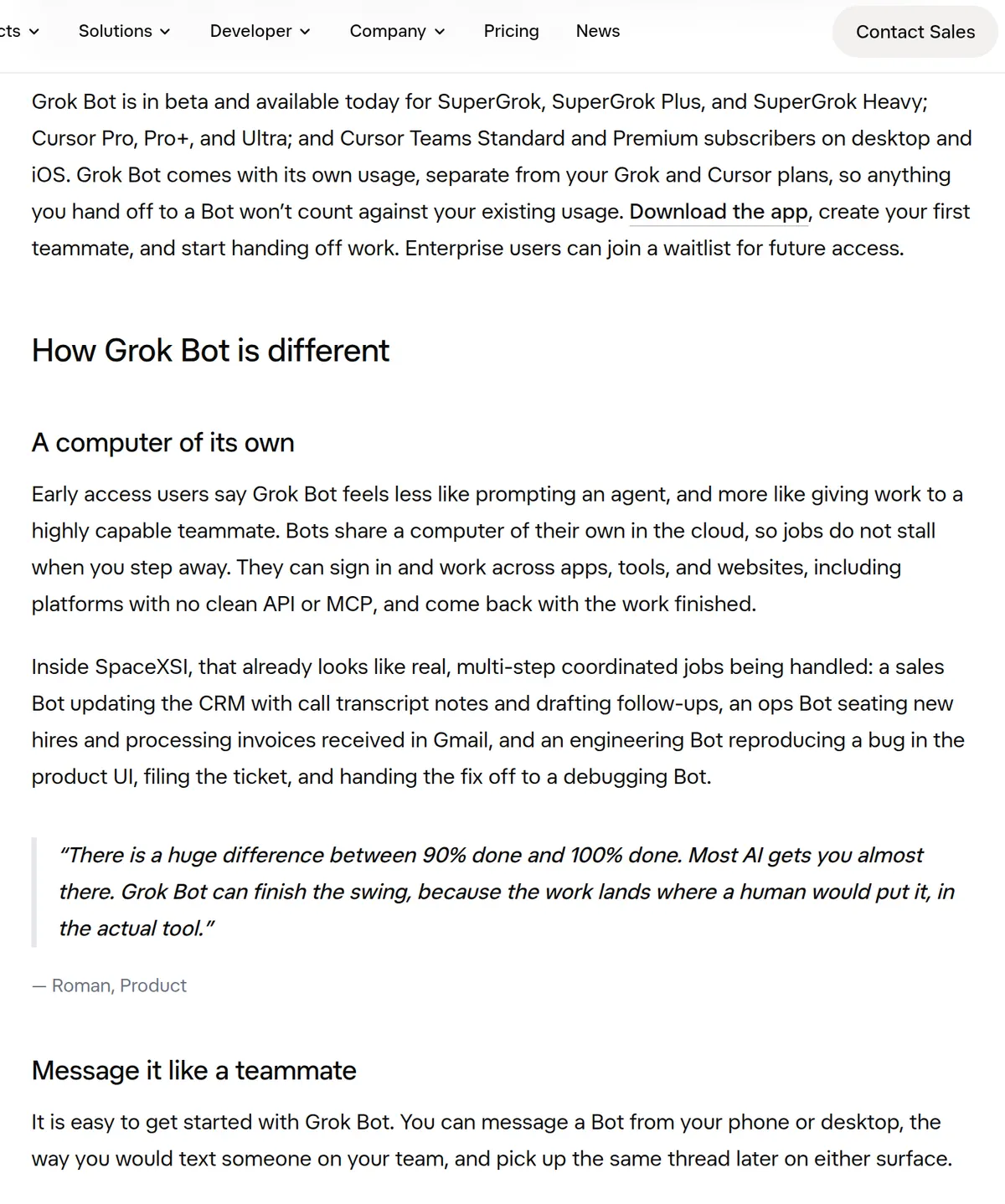
xAI’s introducing post frames Grok Bot as a team of always-on agents with their own computer in the cloud. Bots sign into tools, finish jobs end to end, and come back when something needs approval. You can run many Bots in parallel, put one in charge of others, and message them from desktop or iOS the way you would text a coworker.
Access / host. Vendor claim: available in beta for SuperGrok, SuperGrok Plus, and SuperGrok Heavy; Cursor Pro, Pro+, and Ultra; and Cursor Teams Standard and Premium. Grok Bot “comes with its own usage, separate from your Grok and Cursor plans,” per the same post. Enterprise is on a waitlist.
Standout. Named multi-bot roster on a shared cloud computer, with Bot-to-Bot messaging and group chat — closer to a small staff than a single persona.
Watch for. You need a qualifying Cursor or SuperGrok plan. Bot usage is separate, which helps for handoffs, but the product is still tied to those ecosystems.
Claude Duet
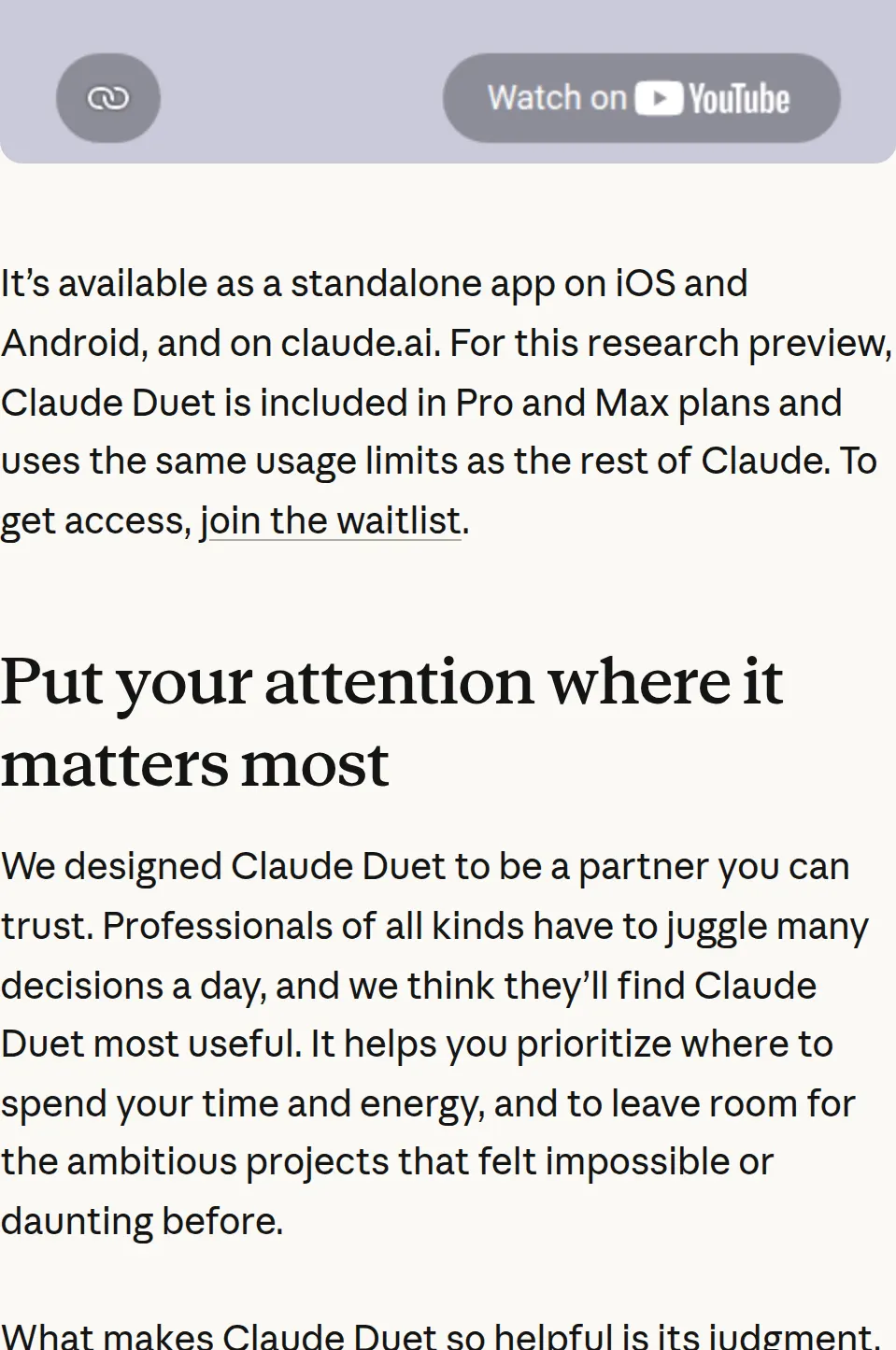
Anthropic opened a research preview of Claude Duet on October 21, 2026 (the article also carries an October 23 safety note). Duet is a proactive personal agent aimed at professionals and small-business owners: morning briefs across connected apps, background work on a virtual machine with its own browser, and a hard stop before it sends a message, makes a payment, signs a document, or deletes anything.
Access / host. Included in Pro and Max for the preview, on the same usage limits as the rest of Claude. Starting with US Pro and Max users on a waitlist; apps on iOS, Android, and claude.ai. For now it lives in its own app, separate from the main Claude app.
Standout. Judgment-first design (vendor claim: built around Claude Opus 5.5), marketplace connectors for SMB tools (Gmail, Slack, QuickBooks, Stripe, Gusto, HubSpot, DocuSign, Shopify, and more), and explicit approval gates for consequential actions. A few moves stay off-limits even with approval, such as trading securities or moving money between accounts.
Watch for. US waitlist only at launch. Background checks every few hours count against shared plan usage, and large tasks burn more turns. Cowork-style local desktop workflows are a related Anthropic line; Duet itself is the cloud proactive agent in this preview.
OpenAI dots
OpenAI’s Introducing dots (September 29, 2026) describes always-on agents powered by GPT‑6 Astra with their own cloud computer and browser, plugins across thousands of apps, and proactive research when you are not watching. You can name your primary dot; OpenAI also previews specialist dots for organizations.
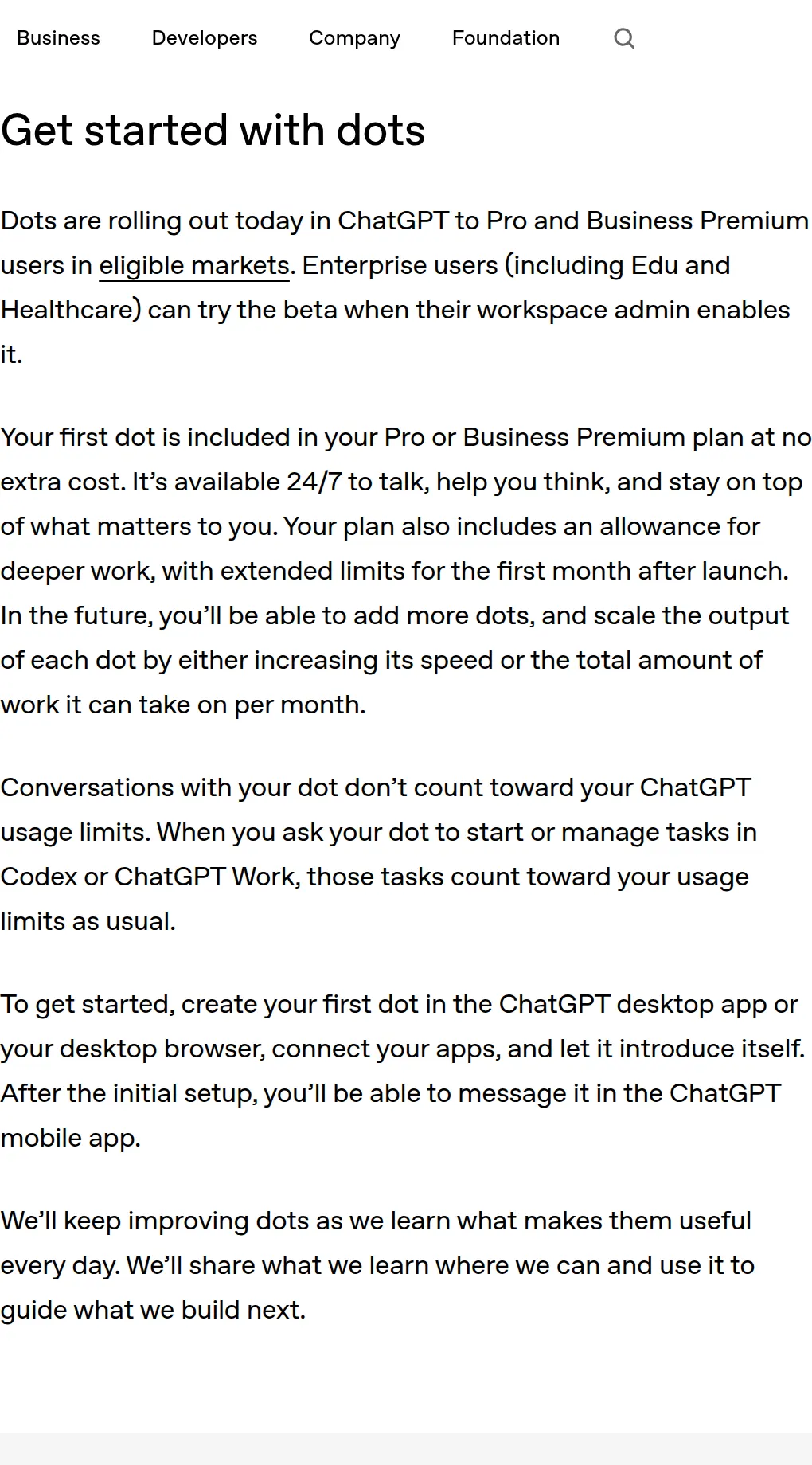
Access / host. Rolling out to Pro and Business Premium in eligible markets; Enterprise (including Edu and Healthcare) when a workspace admin enables the beta. The first dot is included in Pro or Business Premium at no extra cost, with an allowance for deeper work. Conversations with your dot do not count toward ChatGPT usage limits; tasks you send into Codex or ChatGPT Work do.
Standout. Own computer you can inspect, proactive read-only research over connected apps, Slack and Teams presence, Custom Rules and auto-review for approvals, and a path into longer Work deliverables.
Watch for. Eligibility depends on plan and, for Enterprise, an admin. Treat “Operator folded in” as lineage, not a one-line product rename: OpenAI’s earlier Operator browser agent was previously folded into ChatGPT agent; dots sit beside Work as the always-on teammate surface. Confirm access in your account before you plan around it.
Meta Muse
On September 8, 2026, Meta introduced Muse as a personal agent that runs on Muse Secure VM, a dedicated cloud virtual machine with its own browser. You talk to it in the Muse app or directly in WhatsApp. A separate Sentinel agent on the same machine gates outbound network actions and asks you before sensitive steps like sending email or buying something.
Access / host. Rolling out in the US on iOS, Android, and muse.ai, “free for most of what people need, with subscription plans for people who want to do more,” per Meta’s newsroom post.
Standout. Dedicated Secure VM plus system-level Sentinel approvals; credentials and payments designed so Muse does not see raw passwords or card numbers (vendor claim, including Link by Stripe for checkout).
Watch for. Meta ecosystem and privacy posture. Read Meta’s own safety and privacy posts before you connect mail or payments. Phone-call features for Muse have been discussed separately and are not the focus here.
Lindy
Lindy’s pricing page sells a Slack-native teammate: threads and @mentions, scheduled routines, inbox management over connected Google or Microsoft mail, iMessage / SMS once you verify a phone number, computer use on higher tiers, and approvals before outside-impact actions.
Access / host. Start with about $50 in free credits (no card; credits last seven days on the page we read). Paid Team seats start at $29.99 a month for 3,000 credits each, pooled across the workspace, with top-ups at $10 per 1,000 credits. Enterprise is custom. Anyone who uses Lindy — including a first @mention in Slack — takes a seat.
Standout. Feels like a named coworker inside Slack, with the same assistant reachable over text and email workflows, plus built-in approval gates.
Watch for. Credit metering and per-seat pricing. Bigger jobs cost more credits; when the pool runs dry, credit-using actions pause until reset or top-up.
Perplexity Computer
Perplexity’s Computer product is a cloud worker that runs multi-step jobs in an isolated sandbox, with connectors, scheduling, and persistent memory across sessions. (The hub launch post is the intended primary URL; on October 27 some fetches hit a bot wall, so pricing and sandbox details below also draw on Perplexity’s Help Center articles for Max, credits, and “What is Computer,” as indexed that day.)
Access / host. Perplexity Max is listed at $200 a month (or $2,000 a year on web). Paid Pro plans get a weekly included Computer usage allotment rather than a fixed monthly Computer credit pile; Max starts with a large monthly credit allotment (Help Center: 10,000 credits a month on consumer Max). Enterprise seats get their own credit pools.
Standout. Long unattended jobs in a hardware-isolated cloud environment (Perplexity’s security write-ups describe Firecracker microVMs). Strong fit when the work is a research or production job, not a persona you name and hang out with.
Watch for. More task-worker than named teammate. Max is steep; Pro’s weekly allowance does not roll over.
OpenBot
OpenBot, announced September 14, 2026, is a local-first desktop workspace that wires the models you already pay for — Codex, Claude, Grok, and others via OpenCode — into a multi-agent team. Each agent keeps its own role, workspace, conversation, queue, and context. Coworkers can share the space.
Access / host. The app is $0. You bring model access through existing plans or API keys. Source is public under the PolyForm Noncommercial 1.0.0 license; commercial use needs a separate license. OpenBot also sells optional hosted-server plans separately from the free local app.
Standout. The clearest free desktop foil to Grok Bot’s multi-bot cloud story: several agents, one shared workspace, work stays on your machine.
Watch for. Noncommercial license for the free path. Agent quality tracks whichever models you connect. Local agents with broad computer access need the same caution you would give any privileged automation.
Hermes Agent
Nous Research’s Hermes Agent is an MIT-licensed, self-improving agent with a terminal UI, a messaging gateway (Telegram, Discord, Slack, WhatsApp, Signal, CLI), persistent memory, autonomous skill creation, and a built-in cron scheduler. Desktop builds and cloud or serverless backends are part of the pitch; you bring your own model endpoint.
Access / host. Free MIT. You host it — laptop, VPS, Docker, or a serverless backend — and pay only for the models you call.
Standout. Learning loop and skills that deepen across sessions, plus cron delivery into the chat apps you already use.
Watch for. Self-host ops: updates, secrets, gateway exposure, and hardening are on you.
OpenClaw
OpenClaw is an MIT-licensed personal agent harness stewarded by an independent 501(c)(3). The site’s line is blunt: no subscription, no hosted tier, no token. State and skills live on your machines. Desktop apps cover macOS, Windows, and Linux; channels include WhatsApp, Telegram, Discord, Slack, Signal, iMessage, and more.
Access / host. Free to run yourself. Donors fund the foundation; there is no paid hosted product from the project.
Standout. The open-source reference many people mean when they say “self-hosted teammate across chat apps,” with persistent memory, skills, and full system access under your control.
Watch for. You own security and uptime. Giving a self-hosted agent shell, browser, and inbox access is a real ops decision.
How they differ
Five axes matter more than a scoreboard:
- Cloud vs local. Grok Bot, Duet, dots, Muse, Lindy, and Perplexity Computer rent you a machine. OpenBot, Hermes, and OpenClaw put the harness on hardware you control (with optional hosted add-ons only where a vendor sells them).
- Persona vs multi-bot. Muse, Duet, Lindy, and a primary dot lean “one named partner.” Grok Bot and OpenBot lean “a roster.” Hermes and OpenClaw can be either, depending on how you deploy.
- Approvals. Duet and Muse document hard gates (and Muse’s Sentinel) before send / pay / sign-class actions. Lindy’s pricing FAQ says outside-impact actions wait for approval. Dots add Custom Rules and auto-review. Local tools vary — read each project’s defaults before you grant shell or browser control.
- Where it lives. Slack-native (Lindy, dots), WhatsApp-native (Muse, OpenClaw), dedicated apps (Duet, Muse, Grok Bot), or a desktop workspace (OpenBot, Hermes Desktop, OpenClaw apps).
- Who pays for horsepower. Cloud plans meter seats, credits, or included usage. Local apps are often $0 for the harness while you pay model providers — and you pay in ops time.
Five use cases
Ops brief. Want a morning digest across mail and calendar with a human still approving outbound mail? Claude Duet’s preview pitch and Muse’s proactive Secure VM both aim there; Lindy’s daily briefs are the Slack-native version.
Named roster. Need an inbox Bot, an ops Bot, and a research Bot that talk to each other? Grok Bot’s multi-bot cloud computer and OpenBot’s local multi-agent workspace are the clearest fits.
Long unattended job. A multi-hour research, scrape, or report job in an isolated environment maps cleanly to Perplexity Computer; dots and Grok Bot also advertise leaving work running when you step away.
Slack / WhatsApp teammate. Lindy is built as a Slack coworker. Muse and OpenClaw meet people in WhatsApp (OpenClaw adds Telegram, iMessage, Slack, and more). Dots land in ChatGPT, Slack, and Teams.
Self-hosted / BYO. OpenClaw and Hermes Agent are the MIT self-host path. OpenBot is the $0 local desktop path with a noncommercial license and BYO models.
Also in the neighborhood
A few products sit next to this genre without making the primary table:
- Manus — cloud agent known for long research and browsing jobs; Meta has also pushed desktop access so it can reach local files. More “hired researcher” than named office teammate.
- Goose — open local / developer-oriented agent (terminal, files, tools) rather than a consumer persona.
- Alexa+ — Amazon’s upgraded voice assistant for home, shopping, and reservations; not a general computer teammate.
- Cowork — Anthropic’s local / desktop-flavored agent line; Duet is the proactive cloud preview discussed above, not a full substitute for every Cowork workflow.
- Work — OpenAI’s longer-deliverable surface that dots can hand work into; edge of this map, not a separate named teammate product.
- Dia — browser-centric assistant territory; useful context, different shape than a persistent VM teammate.
- Rabbit — hardware-first (R1) action device; adjacent consumer agent story, not a cloud or self-hosted staffer.
Out of scope
We are not covering Cursor Agent / Composer, Claude Code, Google Antigravity, Microsoft Copilot Studio, Devin-class software engineers, or orchestration frameworks such as CrewAI, LangGraph, and Dust. Those matter — they are simply a different category than “named teammate with a computer that sticks around.”
What to weigh
If you are choosing among these, start with cloud convenience versus local control, then one persona versus a small team, then how hard the product makes approvals before send, pay, sign, or delete. Check who pays for the horsepower — a seat, a credit pool, a Max plan, or your own GPU and API keys — and whether the agent lives in Slack, WhatsApp, a dedicated app, or a desktop you leave on overnight. None of the nine is a universal winner; they optimize for different desks.
A companion video on APLittlewolf will walk the same map when it goes live. Until then, there is no video URL to invent — use this article as the durable checklist, and re-check each vendor’s access page before you buy or self-host.
Sources
All primary pages read or re-checked October 27, 2026.
- xAI: Introducing Grok Bot
- Anthropic: Introducing Claude Duet
- OpenAI: Introducing dots
- Meta: Introducing Muse
- Lindy pricing
- Lindy: iMessage & SMS
- Perplexity: Introducing Perplexity Computer
- Perplexity Help: What is Computer
- Perplexity Help: Perplexity Max
- Perplexity Help: How credits work
- OpenBot: Introducing OpenBot
- OpenBot home / license summary
- Nous Research: hermes-agent
- OpenClaw
- Ars Technica on Auto-GPT / BabyAGI (April 2023)
- Fortune on BabyAGI and AutoGPT (April 2023)
Affiliate disclosure: some stories use affiliate or referral links. When a link pays a commission, the sentence next to it says so. Sponsored slots are labeled Sponsored. The channel card is a house ad until a sponsor is booked.
Newsletter
Join the waitlist and we'll email you when the first issue launches.
By submitting you agree to our Privacy Policy.
You're on the list after you confirm. We'll email you when the newsletter launches. You can leave from any message. The form posts to Resend.