
Build with AI guides
ChatGPT can read and control Chrome tabs, on every plan
The ChatGPT Chrome extension can look across open tabs in Chat, and in Work it can control them. OpenAI says it is available on every plan. The extension asks for broad Chrome permissions.
Littlewolf Labs
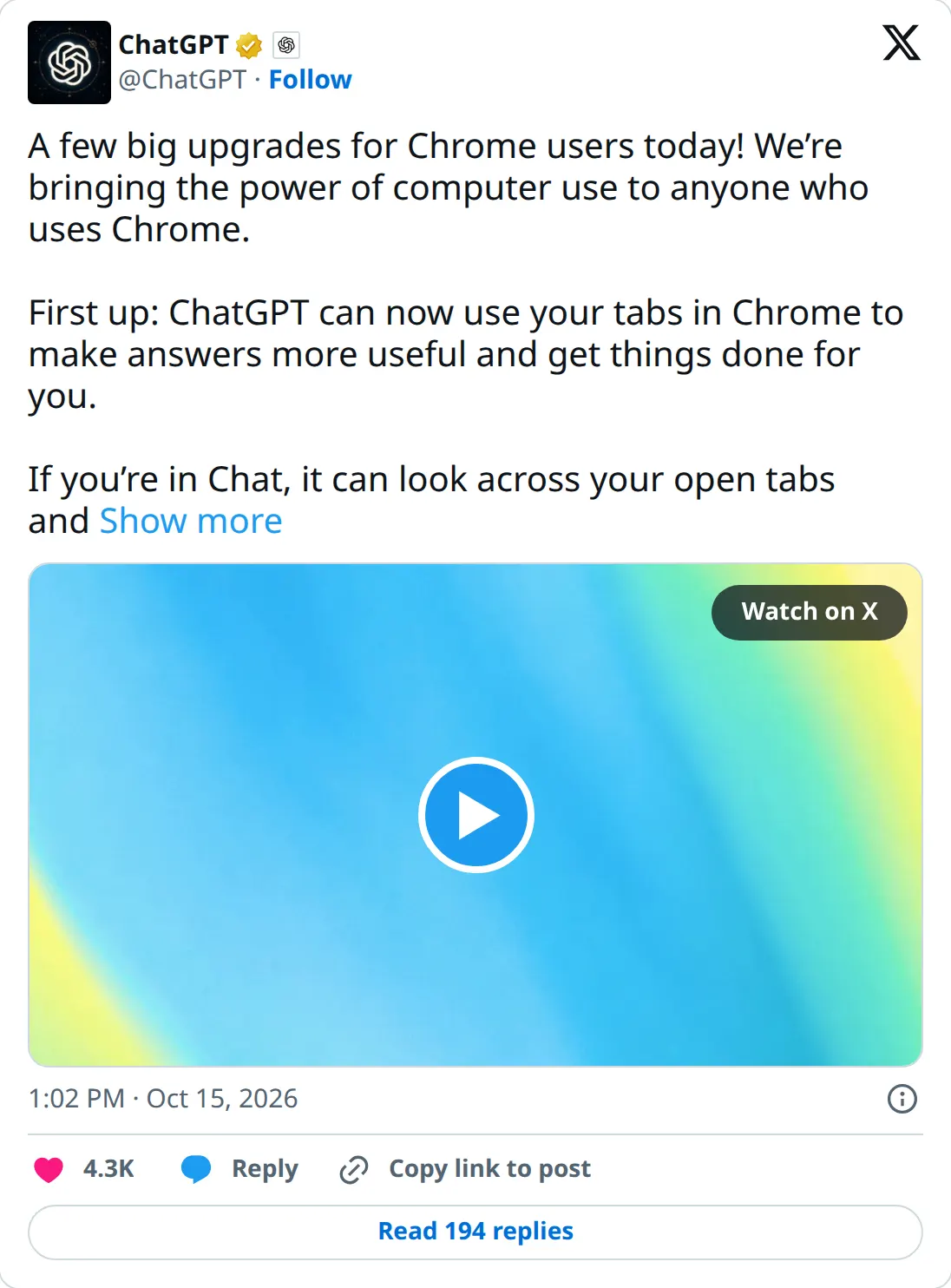
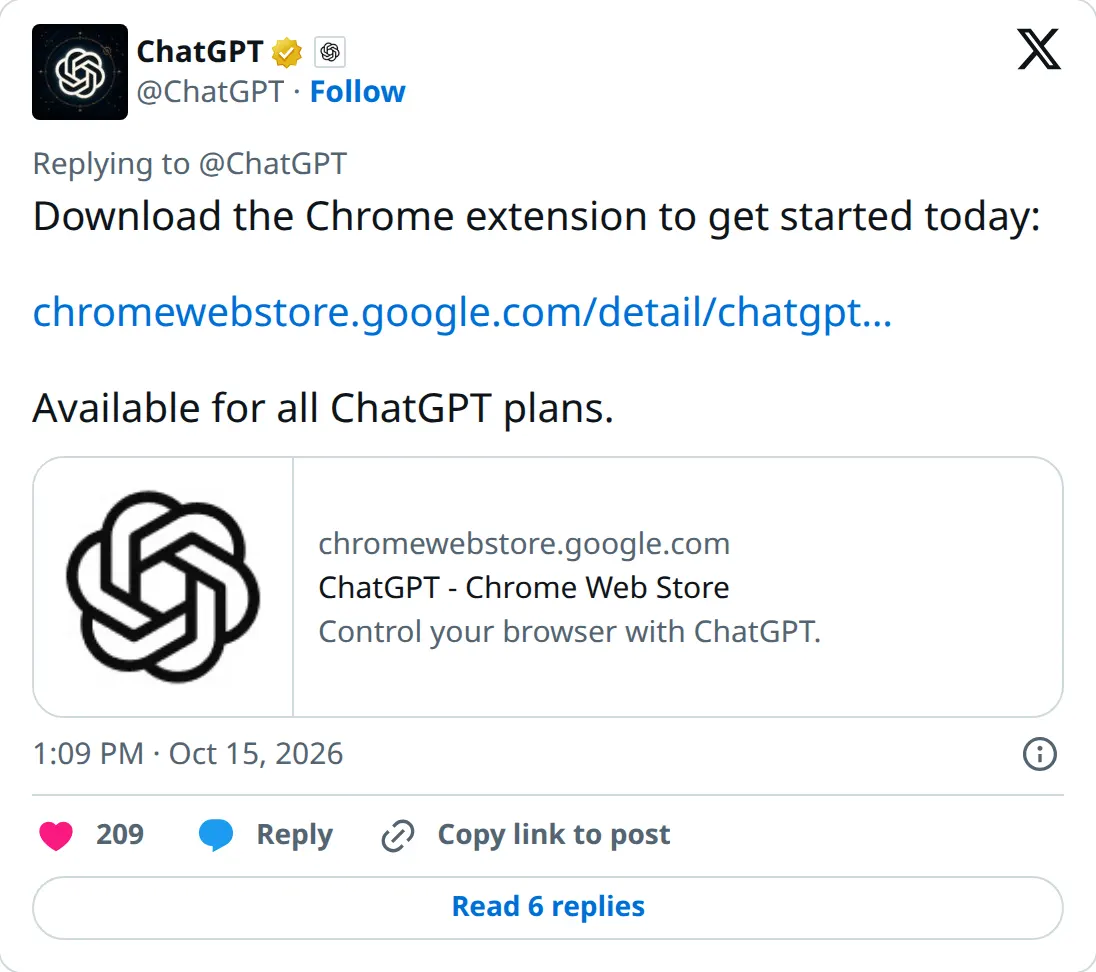
On October 15, around 1:02 PM PT, ChatGPT posted that the Chrome extension can now use the tabs you already have open. In Chat, it can look across those tabs and gather info. In Work, it can control them: send messages, fill out forms, download files, and group a pile of tabs. A follow-up post says this is available for all ChatGPT plans, and links the Chrome Web Store listing.
The Verge reports that it works by tagging Chrome in the web or desktop app, and that the sidebar gets your ChatGPT history so you can keep working on the page you are viewing. One of OpenAI's sample prompts, quoted there, is to fill a registration form from an event brief and stop before submitting.
The extension doc is broader than the Chrome post. It says Chrome, Edge, Brave, Opera, and Vivaldi can do tab mentions and browser control from the desktop app. Side chat is on Chrome, Edge, Brave, and Vivaldi. Opera does not get side chat. Setup runs through Settings, then Computer Use, in the desktop app.
What it costs
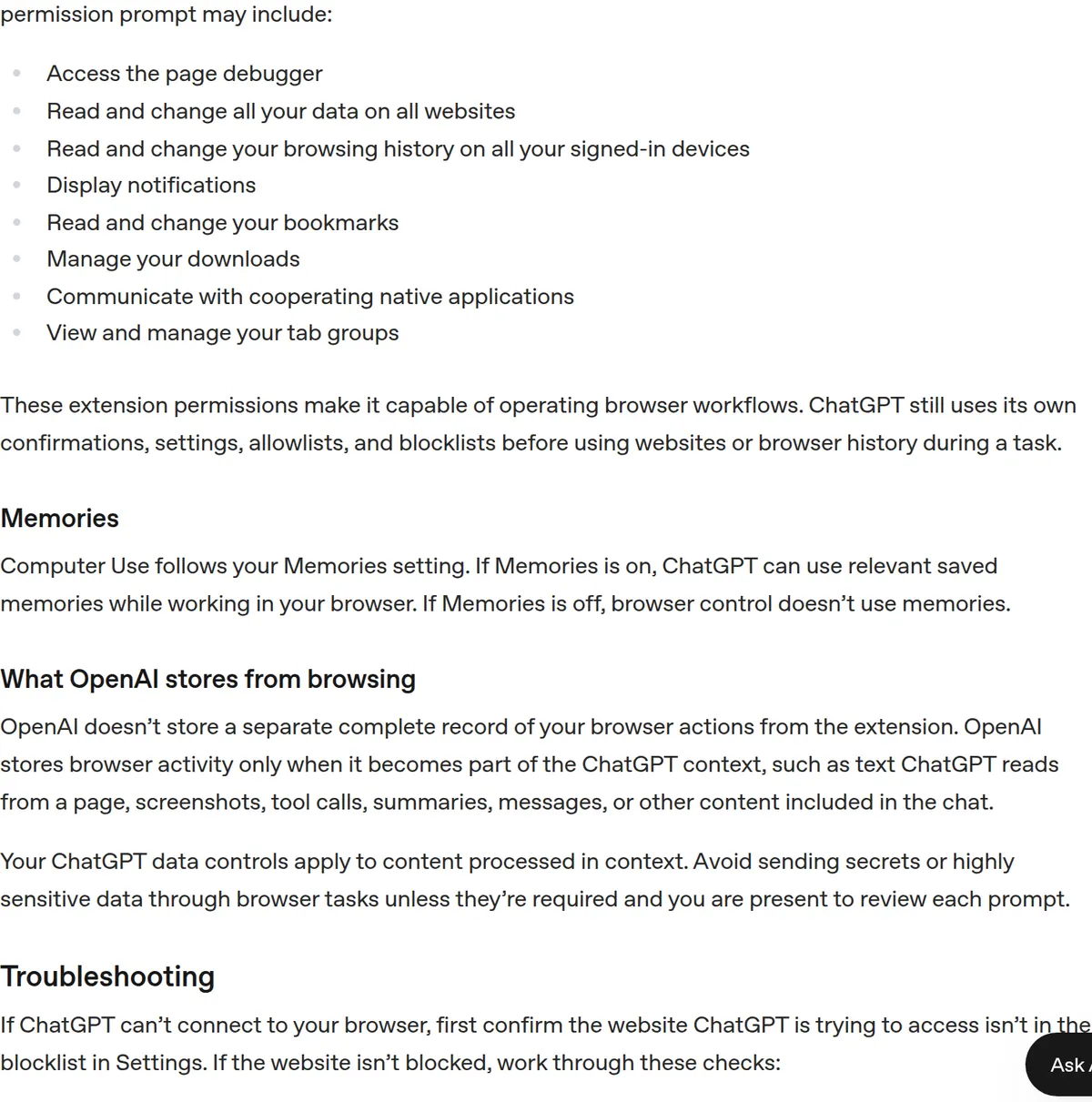
No new price. The post says every ChatGPT plan. The extension's Chrome permission prompt, listed in that doc, is broad: access the page debugger, read and change all your data on all websites, read and change browsing history on signed-in devices, notifications, bookmarks, downloads, native applications, and tab groups. ChatGPT still asks before it uses a new site, and the same settings hold an allowlist and a blocklist. "Allow for all sites" turns those prompts off. The doc says OpenAI does not keep a separate full record of browser actions. What it stores is whatever enters the chat. Your ChatGPT data controls apply to that.
Should you switch
Try it on tabs you would not mind a model reading. Leave the per-site prompt on, and keep the habit in OpenAI's own example: stop before submitting. Do not turn on "Allow for all sites" for a first run.
Affiliate disclosure: some stories use affiliate or referral links. When a link pays a commission, the sentence next to it says so. Sponsored slots are labeled Sponsored. The channel card is a house ad until a sponsor is booked.
Newsletter
Newsletter coming soon.
Join the waitlist and we'll email you when the first issue launches.
By submitting you agree to our Privacy Policy.
You're on the list after you confirm. We'll email you when the newsletter launches. You can leave from any message. The form posts to Resend.